
M.Com (MCOP-001) · Submission Route
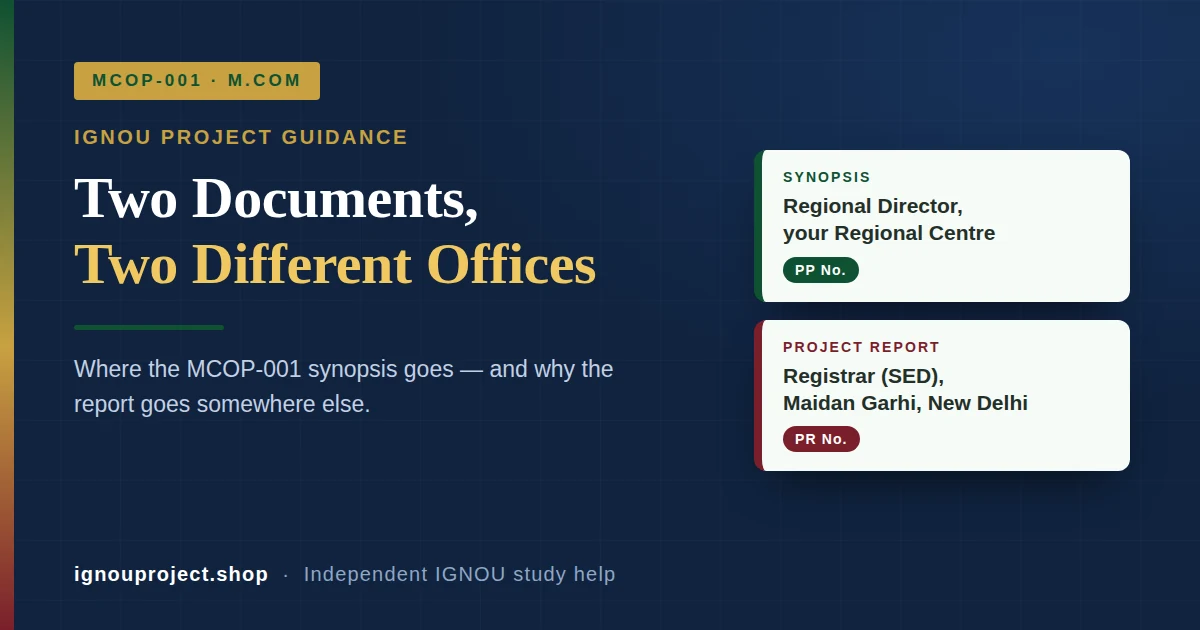
The IGNOU MCOP-001 synopsis goes to the Regional Director of your own Regional Centre. The finished project report goes somewhere else entirely — the Registrar (SED), IGNOU, Maidan Garhi, New Delhi-110068. M.Com Online learners use neither address and submit through the LMS portal. Two papers, two desks, two reference numbers.
The short answer
Where do you submit the IGNOU MCOP-001 project documents?
Knowing where to submit IGNOU MCOP-001 project papers matters because the course runs on two separate submission desks. Under the official MCOP-001 guidelines issued by the Commerce Discipline of the School of Management Studies, an ODL M.Com learner sends the project synopsis to the Regional Director of the Regional Centre they are attached to, with “MCOP-001” written prominently on the envelope. Once the Regional Centre accepts it, a Project Proposal Number (PP No.) is allotted, and every later query about approval is quoted against that number. The finished report travels to a different address: the Registrar (Student Evaluation Division), IGNOU, Maidan Garhi, New Delhi-110068, as a bound A4 volume marked “PROJECT REPORT-MCOP-001”. On receipt, SED allots a separate Project Report Number (PR No.). Learners registered in M.Com Online (MCOMOL) submit both stages through the LMS portal instead.
A PP No. is not a PR No. The first is issued by your Regional Centre for the proposal; the second is issued by the Student Evaluation Division for the report. Quoting the wrong one is the fastest way to get a “record not found” reply.
Route by admission mode
Which MCOP-001 route applies to you?
Two things decide the route: the stage you are at, and whether you are registered in the ODL M.Com or in M.Com Online. Everything else about the project — the guide, the proforma, the word count — is identical across both modes.
| Stage | ODL M.Com | M.Com Online (MCOMOL) | Number issued |
|---|---|---|---|
| Synopsis / proposal | Regional Director of your Regional Centre; envelope marked “MCOP-001” | LMS portal | PP No., by the Regional Centre |
| Project report | Registrar (SED), IGNOU, Maidan Garhi, New Delhi-110068; bound, marked “PROJECT REPORT-MCOP-001” | LMS portal | PR No., by SED |
| Approval query | Email your Regional Centre; the address list sits under Regional Network on the official IGNOU website | LMS portal, or your Regional Centre | Quote the PP No. |
| Report query | Registrar (SED), IGNOU | Registrar (SED), IGNOU | Quote the PR No. |
The cost of a wrong address
Why does sending MCOP-001 to the wrong desk cost months?
The two offices do different jobs. A Regional Centre can accept, number and forward a proposal for academic approval; it has no role in evaluating a finished dissertation. The Student Evaluation Division evaluates submitted reports; it does not approve proposals. A report posted to the Regional Centre, or a synopsis posted to Delhi, is not in a queue that can act on it, and no one generates a tracking number for it.
BK Sahni, who has guided 5,00,000 students till date, notes that the M.Com learners who lose a full term-end cycle usually did the academic work correctly and only misread the address line. The delay is administrative, not academic, which is what makes it so avoidable.
Two further rules make a misdirected parcel expensive. Only one copy of each document is sent, so nothing is held in reserve. The submitted report is not returned, so a copy retained at home and a stamped postal receipt are the only proof you keep. If you are unsure which code belongs on your envelope in the first place, the project course code for your own programme is worth confirming before anything is sealed.
What travels with each parcel
What must be enclosed with each MCOP-001 submission?
- Proforma for Approval of Project Proposal (Annexure-I) — filled in, signed and dated by both the student and the guide.
- The guide’s detailed bio-data, signed in original. The official guidelines state plainly that a proposal arriving without the signed bio-data will not be entertained.
- Certificate of originality (Annexure-II) — signed by student and guide, bound inside the report rather than clipped to it.
- The approved synopsis and approval letter — bound into the report, since the report is assessed against the title that was approved.
- Project evaluation fee receipt. Confirm the current amount and the payment route with your Regional Centre before you pay, as fee rules are revised between sessions.
The chapter-wise structure, word count and topic selection that sit inside the report are covered separately in the MCOP-001 format and topics guide.
Timing
When will your MCOP-001 result be declared?
The report itself may be submitted at any point in the year, but the declaration date follows a two-window rule. A report received between 1 December and 31 May is declared with the June term-end examination results. A report received between 1 June and 30 November is declared with the December results. The official MCOP-001 guidelines also advise M.Com learners to begin preparing the synopsis from the third semester onwards, which leaves room for one rejection and one revision without losing a cycle. You can read the source document, Final Project Guidelines MCOP-001, on eGyanKosh.
Edge case
Does the route change if your enrolment number has changed?
It does not change the address, but it can invalidate an approval you already hold. If the four-year maximum duration of the programme has lapsed, re-admission must be sought before the synopsis is sent. Where a synopsis was approved against an earlier enrolment number, that approval has to be obtained again against the new number; otherwise the project report may not be accepted at the evaluation stage. Anyone in this position should confirm their current status with their Regional Centre before posting anything.
Frequently asked questions
Where do I submit the IGNOU MCOP-001 synopsis?
ODL M.Com learners send it to the Regional Director of their own Regional Centre, with “MCOP-001” written prominently on the envelope. M.Com Online (MCOMOL) learners submit it through the LMS portal instead. Send one copy only and retain a copy for yourself.
Where do I send the MCOP-001 project report?
To the Registrar (Student Evaluation Division), IGNOU, Maidan Garhi, New Delhi-110068, as a bound A4 volume typed in double space, sent by registered or speed post or delivered by hand. Mark “PROJECT REPORT-MCOP-001” on top of the envelope so it reaches the correct evaluation desk.
What is the difference between the PP No. and the PR No.?
The Project Proposal Number (PP No.) is allotted by the Regional Centre when your synopsis is accepted, and is quoted in all correspondence with the Regional Centre. The Project Report Number (PR No.) is allotted by the Student Evaluation Division when your report is received, and is quoted in all correspondence about the report.
Do M.Com Online (MCOMOL) students post anything by courier?
No. Learners registered in M.Com Online submit both the synopsis and the project report through the LMS portal. The Regional Centre and SED postal routes described above apply to ODL M.Com learners. If your admission mode is unclear on your records, verify it with your Regional Centre before choosing a route.

BK Sahni iD 0009-0005-8092-459X
Founder, Shri Chakradhar Publication Pvt. Ltd. & its IGNOU Project study-help brand — helping IGNOU distance-learning students since 2010 (5,00,000+ students supported across MBA, MCom, MA & more). Author of IGNOU exam guides, solved assignments & project reference books.
Disclosure: Shri Chakradhar Publication Pvt. Ltd. and ignouproject.shop are independent third-party study-help services — not the official IGNOU website. Always verify final dates and rules on ignou.ac.in.
Leave a Reply